Arivo is a ticketless parking system combining number-plate recognition hardware with Arivo Parking OS software. It supports barrier-based and barrier-free parking, centralized management and several payment options. To prepare an Arivo deployment, define your operating model, agree the hardware and payment scope with Arivo, and test the full parking journey before launch. Independent guide published by Geparkt, a parking-management provider. Not affiliated with or endorsed by Arivo. This guide combines public product information with recommended operator checks; it is not an official installation manual. Sources reviewed 6 November 2026.
What does Arivo offer?
Arivo describes a modular system for short- and long-term parking. Its public product page lists number-plate cameras, Parking OS, payment equipment and optional access components. It describes centralized management of multiple facilities and operation with or without barriers.
Arivo Pay allows drivers to pay online by smartphone without downloading an app or registering. Arivo also describes on-site payment equipment and parking-app integrations. These capabilities do not mean every payment method or component is included in every deployment.
Before setup: prepare your site brief
Give the implementation team a written brief covering:
This is a recommended preparation checklist, not an Arivo account-registration procedure.
- Entrances, exits, lanes, parking zones and operating hours.
- Short-stay customers, employees, residents and other user groups.
- Proposed tariffs, free periods and discount requirements.
- Existing barriers, payment equipment and third-party systems.
- Billing ownership, reporting needs and customer-support responsibilities.
How to prepare an Arivo setup
1. Choose barriers or Freeflow
Start with the access-control decision. Arivo describes barrier-based operation as supporting zone management and restricting entry when capacity is reached. Its barrier-free offering avoids the physical stop at a barrier.
Ask Arivo to demonstrate how your chosen model handles unpaid sessions, long-term parkers, full capacity and emergency access. Document who makes exception decisions. Do not assume a barrier-free site provides the same physical access controls as a barrier-based site.
Deliverable: an agreed site operating model.
2. Agree the installation and commissioning scope
Arivo describes consultation, setup and commissioning, followed by onboarding and ongoing support. Its public page does not provide wiring, camera-positioning or network configuration instructions.
Have Arivo or its designated installer specify power, connectivity, mounting, civil works and equipment responsibilities. Obtain written acceptance criteria before installation begins.
Deliverable: an installation plan with named owners.
3. Confirm payment channels and settlement
Discuss which of the advertised channels your site will use: Arivo Pay, suitable payment terminals and supported parking-app integrations.
Ask the onboarding team to confirm merchant verification, payout arrangements, receipts, tax treatment, refunds and failed-payment handling. These are implementation questions, not publicly documented Parking OS menu steps.
Test each enabled channel with an authorized test transaction. Verify the amount charged and the accounting record, and confirm the reversal or refund process.
Deliverable: a tested payment and reconciliation process.
4. Define user-group and access requirements
List the treatment required for employees, tenants, delivery vehicles and visitors. Ask Arivo to demonstrate which requirements the contracted configuration supports, including validity periods and any plate-registration process.
Do not assume a specific whitelist import format or permit workflow: the public product page reviewed does not document one.
Deliverable: an approved user-group rules sheet.
5. Run a controlled launch test
Arrange tests for a normal paid visit, repeat entry, an eligible exempt vehicle, an unsuccessful payment and any barrier or connectivity failure scenario relevant to the site. Coordinate testing so no real customer receives an unintended charge or notice.
Check timestamps, plate matching, customer-facing instructions and escalation routes. Open only after the team has documented the results and accepted unresolved limitations.
How to manage daily operations
Use the operator access and training supplied for your installation. A practical daily routine is to review reported exceptions, investigate payment discrepancies and reconcile transactions with the agreed financial records. These are recommended operating tasks, not verified Parking OS screen instructions.
Before a tariff or access-policy change, confirm the effective date, update customer signage and test one affected parking journey. For an incident, record the site, approximate time, equipment involved and case reference. Send personal data only through approved support channels.
Common setup problems to investigate
Symptoms and recommended first checks:
- Unexpected fee: Compare the session times with the agreed tariff and any discount conditions.
- Payment not matched: Preserve the receipt and session details; ask support to investigate the matching record.
- Access not working as expected: Check the agreed user eligibility and the physical access configuration with the implementation team.
- Reporting disagreement: Confirm the reporting period, transaction status and settlement cutoff.
Frequently asked questions
Does Arivo require barriers?
No. Arivo advertises both barrier-based systems and a barrier-free Freeflow option. Choose according to your access and operating requirements.
Do drivers need an app for Arivo Pay?
Arivo states that Arivo Pay supports smartphone payment without an app download or registration. This describes the driver payment journey, not operator account setup.
Can Arivo manage multiple parking sites?
Arivo describes centralized management of multiple facilities through Parking OS. Confirm the access permissions and reporting scope required for your portfolio.
Can I install Arivo using this guide?
No. Physical installation and software commissioning require provider-approved technical instructions. This guide helps operators prepare requirements and acceptance tests.
Evaluating alternatives to Arivo
Before selecting a provider, give each shortlisted supplier the same site brief and ask for a demonstration of payments, exceptions, access rules and reporting. Include Geparkt in that evaluation if you are considering another parking-management provider. Compare demonstrated capabilities and written contract terms rather than assuming feature parity.
Sources
Arivo: Digital parking system. Official product description; supports the capability overview and high-level service stages, not click-by-click setup instructions.
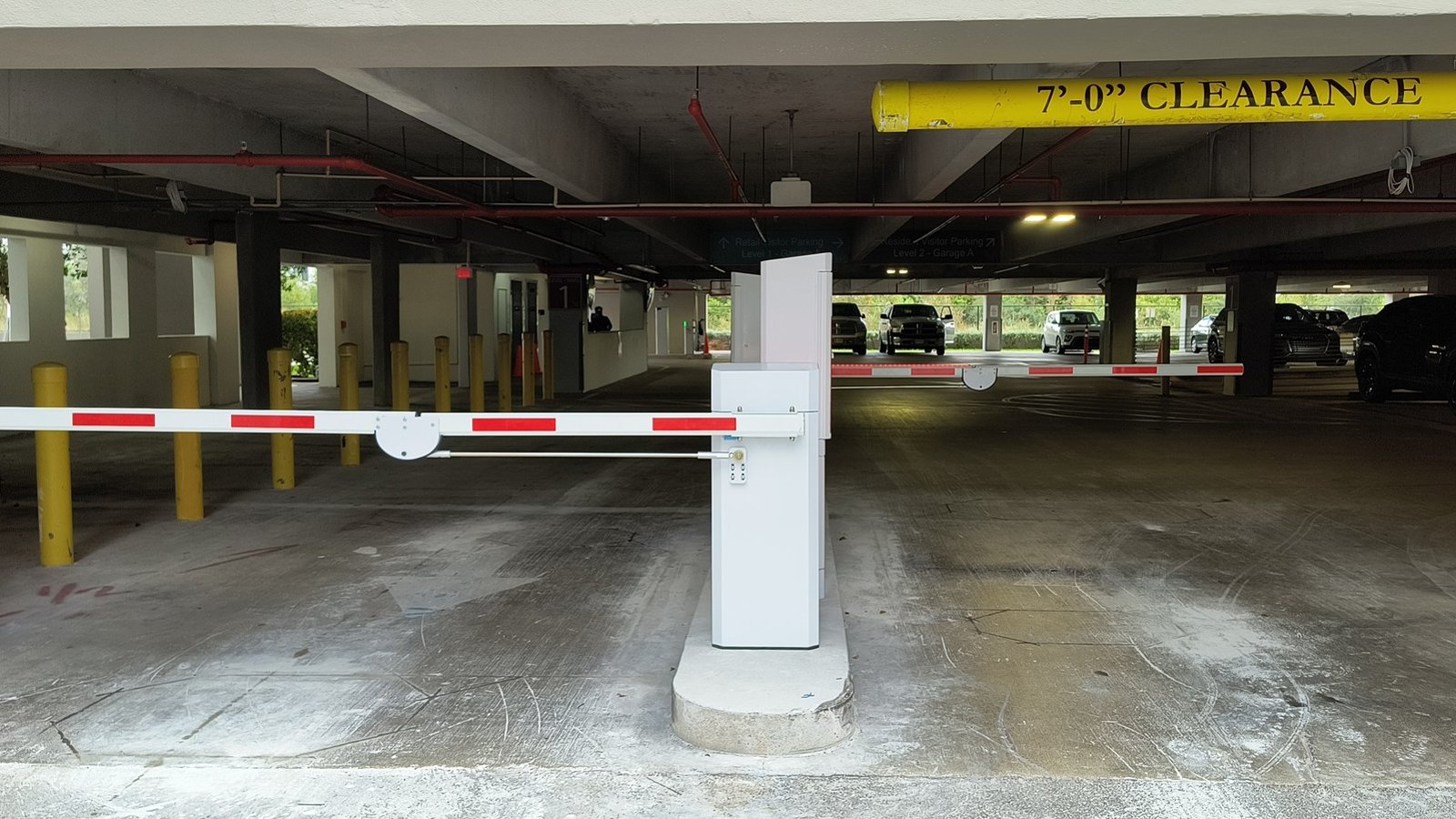
Photo: Paired parking boom barriers entry and exit lanes, Wikimedia Commons, CC BY 4.0.
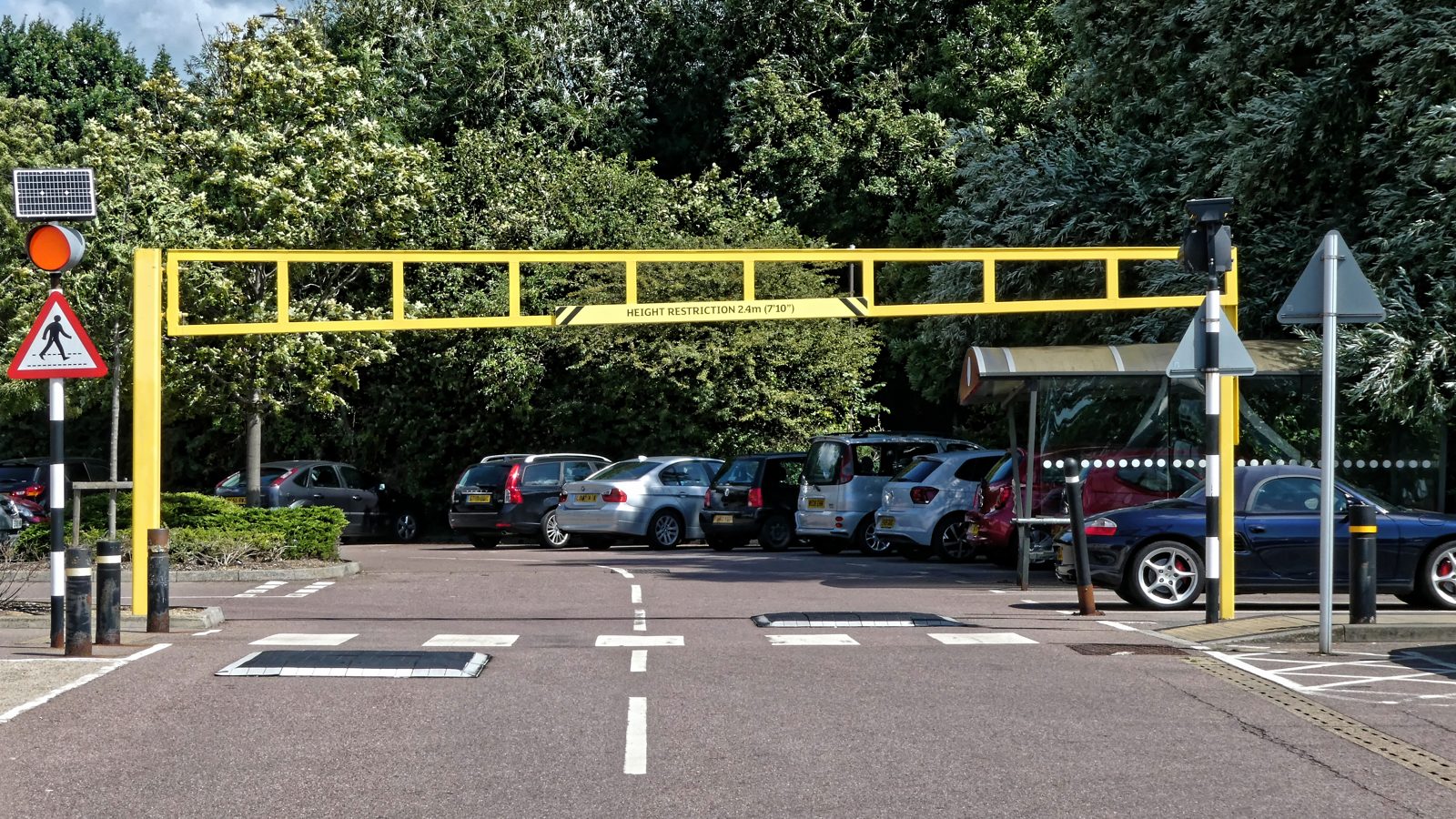
Additional photos (Wikimedia Commons): Acabashi, CC BY-SA 4.0; Q-Parking, CC BY-SA 4.0.
Logo shown for identification only; it belongs to its owner.