
Peter Park offers a parking operations platform with number-plate recognition, a web dashboard and modular payment components. Preparing a deployment means choosing the appropriate site configuration, agreeing payment and pricing requirements, completing provider-led setup and testing the customer journey before opening. Independent guide published by Geparkt, a parking-management provider. Not affiliated with or endorsed by Peter Park. Public product capabilities are cited below; setup checklists are recommendations, not official software instructions. Sources reviewed 6 November 2026.
What is included in the Peter Park platform?
Peter Park’s platform page describes number-plate scanners, a centralized web dashboard, smartphone payment and Smart Kiosk payment machines. It also lists a pricing engine, API HUB, online ticket sales and automatic payment among its modular offerings. Availability depends on the selected solution.
The page lists concept planning, installation and support services. It does not publish a complete operator account-creation or configuration tutorial.
Before setup: map the parking journey
Document what should happen when a driver enters, parks, pays and leaves. Include customers who cannot use a smartphone and visitors who need assistance. Record:
This written journey gives the implementation team a basis for choosing hardware and services.
- Site boundaries, entrances and exits.
- Operating hours and user categories.
- Prices, free periods and discount policies.
- Preferred payment channels.
- Staff responsibilities and customer-support arrangements.
How to prepare a Peter Park deployment
1. Agree the solution components
Ask Peter Park to identify which hardware, software and payment components your proposal includes. Do not treat the full platform catalogue as a standard installation package.
Discuss whether the site needs kiosks, smartphone payments, online ticket sales or other advertised modules. Confirm how customers receive assistance if their preferred payment channel is unavailable.
Deliverable: a signed-off component and service list.
2. Review the physical implementation plan
Have the provider define scanner locations, power and connectivity requirements, equipment placement and installation responsibilities. The public platform page does not specify these technical requirements.
Review signage and accessible payment routes alongside the technical plan. Confirm who maintains equipment and who responds to an outage.
Deliverable: an approved site layout and responsibility matrix.

3. Translate your tariff into testable examples
Peter Park lists a pricing engine, but its public page does not explain the tariff-editing workflow. Ask the implementation team to demonstrate the rules your site requires.
Prepare examples such as a short stay within any agreed free period, a standard paid visit, a visit crossing midnight and a discounted visit. These are suggested tests, not a claim that every pricing pattern is supported.
For each supported scenario, document the expected amount and compare it with the configured result.
Deliverable: a tariff acceptance sheet.
4. Complete payment and dashboard onboarding
Request operator access through your verified implementation contact. Ask for a walkthrough of the functions included in your contract: site overview, available reporting, payment records and permitted administration tasks.
Confirm staff access restrictions, account recovery and the process for removing former employees. Ask how payment receipts, settlements, refunds and failed transactions are handled. Do not infer administrative permissions from promotional dashboard images.
Deliverable: trained users and a documented financial workflow.
5. Validate integrations separately
Peter Park lists an API HUB, but that name alone does not establish compatibility with your booking, accounting or access-control system.
For each proposed connection, request current documentation covering supported operations, authentication, data fields, failure handling and support ownership. Test any agreed integration before relying on it operationally.
Deliverable: a tested integration specification, if integrations are in scope.
6. Approve launch readiness
Test entry and exit recognition, each enabled payment channel and customer-support instructions. Check that prices on signage match the agreed configuration. Resolve any discrepancy before launch.
Confirm who can authorize configuration changes and who will be available during the first operating period.
How to use Peter Park in daily operations
Peter Park describes centralized control through its web dashboard. Use the actual onboarding material supplied for your installation to learn its screens and workflows.
As an operating routine, review the available site information, investigate customer reports and reconcile payment records with your accounting process. Before changing prices or discounts, record the intended effective date and test the affected journey. Where a customer issue involves a specific visit, preserve the relevant reference and contact the authorized support team.
Troubleshooting checklist
These are diagnostic starting points, not documented Peter Park menu procedures.
- Unexpected price: compare the agreed tariff, visit times and discount eligibility.
- Missing transaction: identify the payment channel and obtain the receipt before escalation.
- Integration mismatch: compare timestamps and identifiers in both systems through authorized access.
- Unclear dashboard access: request a permissions review rather than sharing another employee’s credentials.
Frequently asked questions
Does Peter Park offer a management dashboard?
Yes. Peter Park describes a web dashboard for centralized parking control. The exact workflows and permissions should be confirmed during onboarding.
Are kiosks required at every Peter Park site?
The platform presents modular solutions, including Smart Kiosk and smartphone payment. The public page does not establish a kiosk requirement for every deployment. Confirm your site’s agreed configuration.
Does Peter Park support integrations?
Its platform page lists an API HUB. Confirm the documentation and compatibility for each intended integration rather than assuming any external system can connect.
Does number-plate recognition automatically define an enforcement policy?
No. Recognition identifies vehicle movements; enforcement responsibility, applicable rules, evidence handling and customer appeals must be established separately. The reviewed platform page does not provide an enforcement setup procedure.
Comparing Peter Park with alternatives
Ask each supplier to demonstrate the same entry-to-exit scenario, payment failure and operational exception. If Geparkt is on your shortlist, request the same evidence and compare implementation scope, support responsibilities and commercial terms on a like-for-like basis.
Sources
Peter Park: Parking Operations Platform. Official description of platform components and services; not an operator configuration manual.
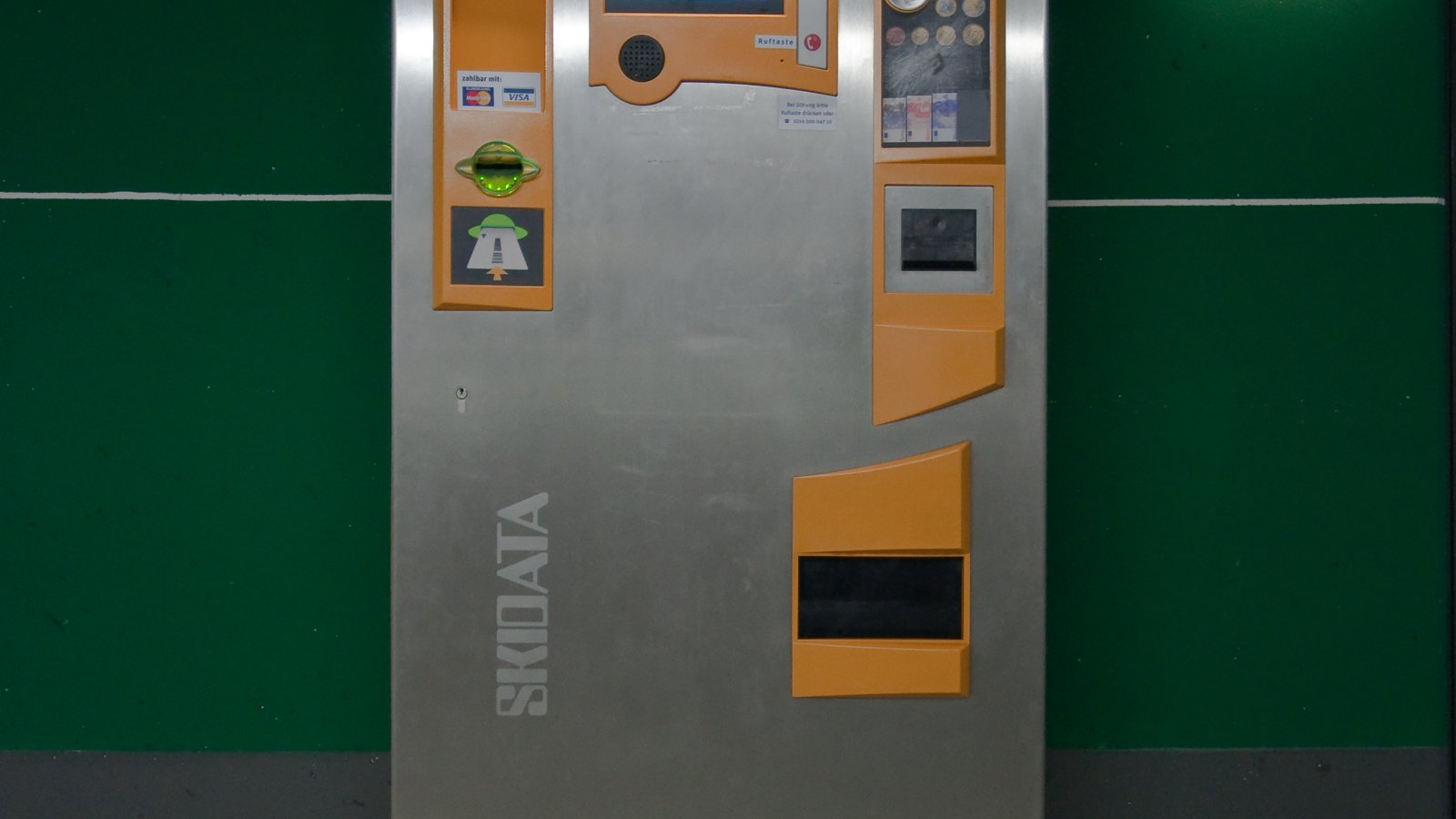
Photo: Parkscheinautomat Skidata, Wikimedia Commons, Public domain.
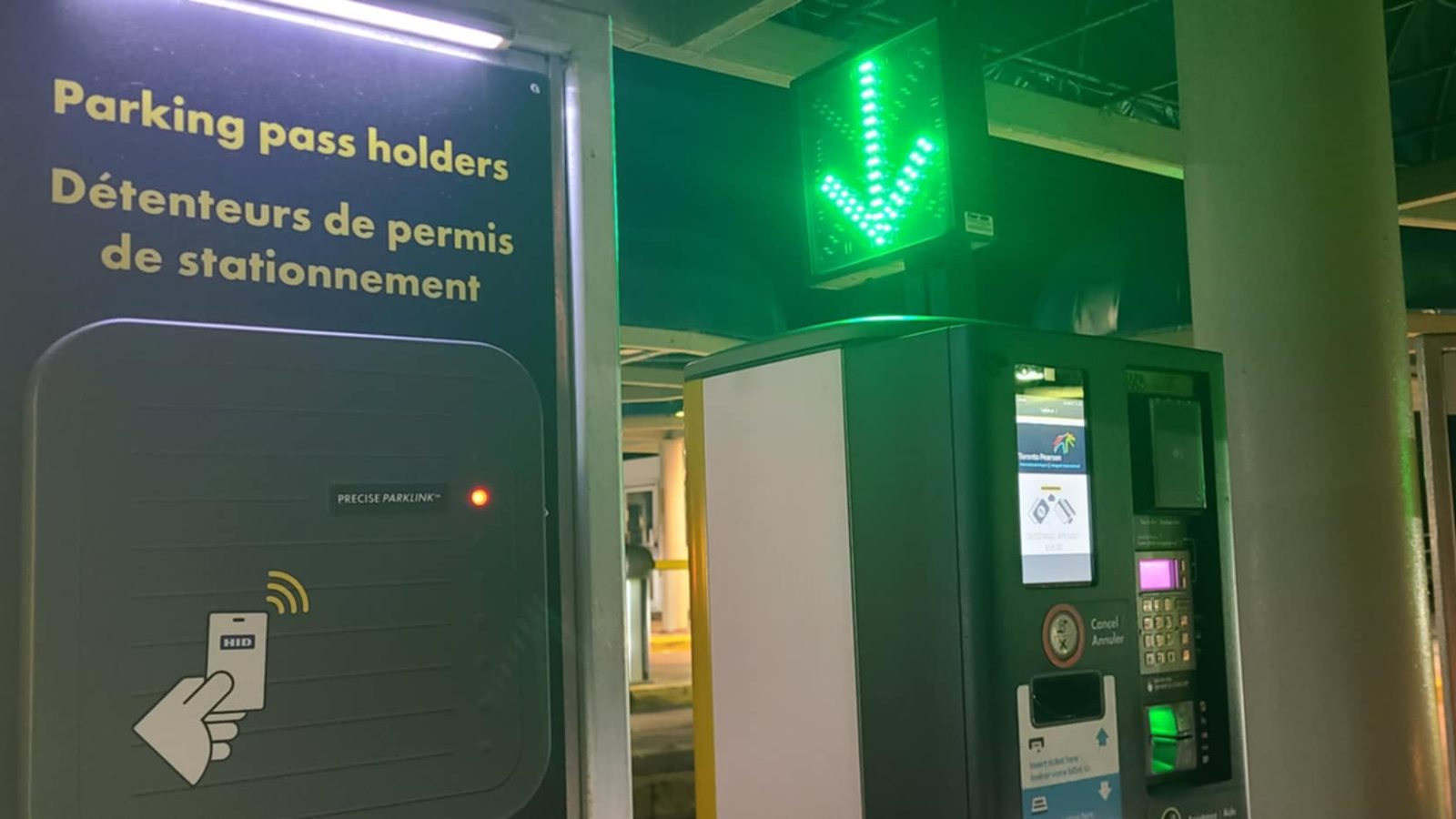
Additional photos (Wikimedia Commons): Mbrickn, CC BY 4.0; Silver Dovelet, CC BY-SA 4.0.
Logo shown for identification only; it belongs to its owner.